OLIVER › OLIVER Basic
OLIVER Basic – Live & Historical Monitoring Software
On-Line Investigation of Vibration in Equipment and Rotary Machines
PC-based software to view live and historical data from IRD online systems monitoring vibration, temperature, speed, gap or turbine parameters.
Request a QuoteBook a DemoWhatsApp +91-9082527331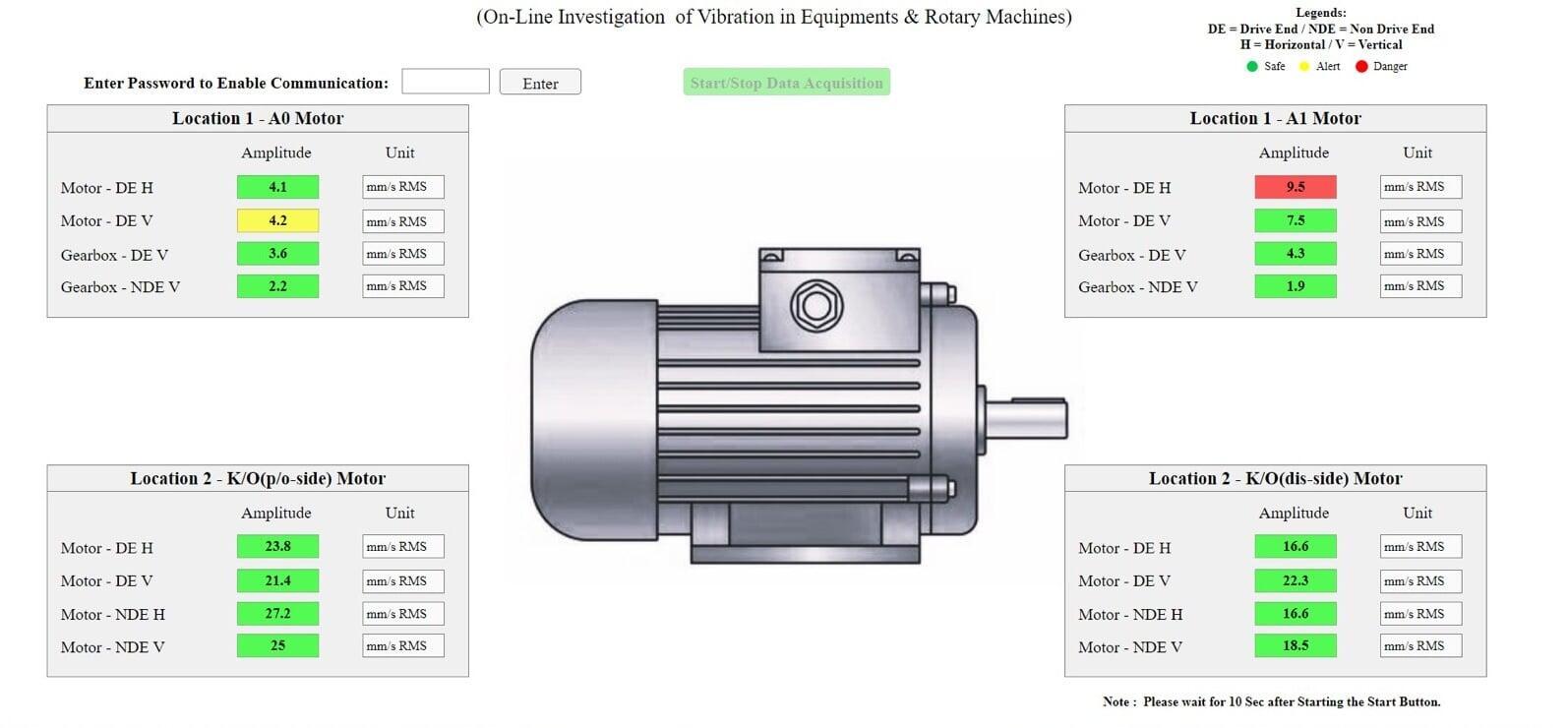
Features
Custom dashboard
Live data on a custom-made dashboard, colour-coded against set thresholds.
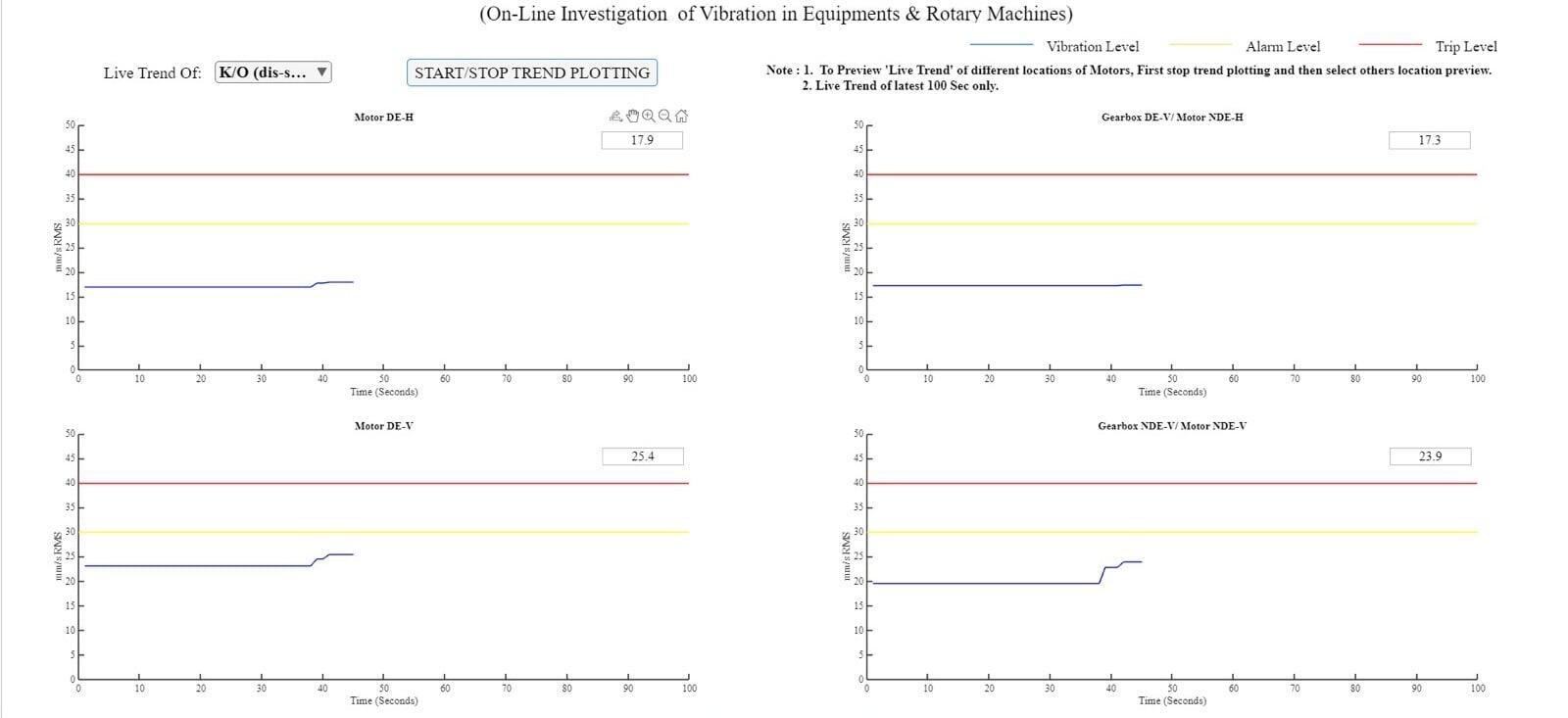
Trends and tables
Live and historical data as tables and trends for every channel.
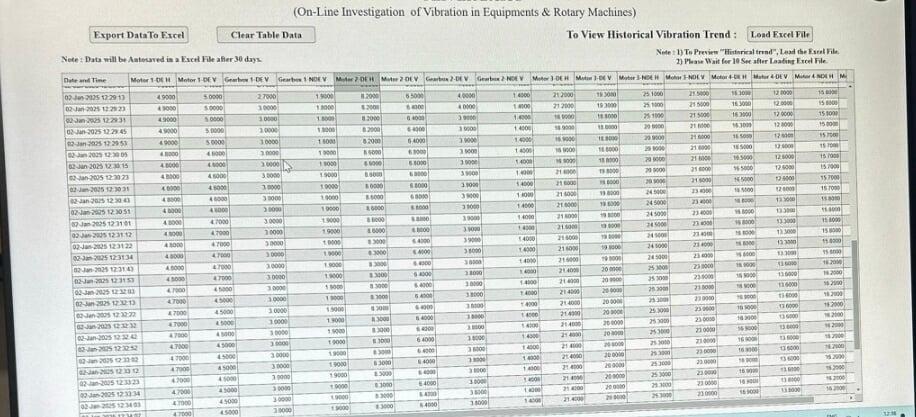
Time-to-Alarm & Excel
Time-to-Alarm indication and one-click export of data to Excel.
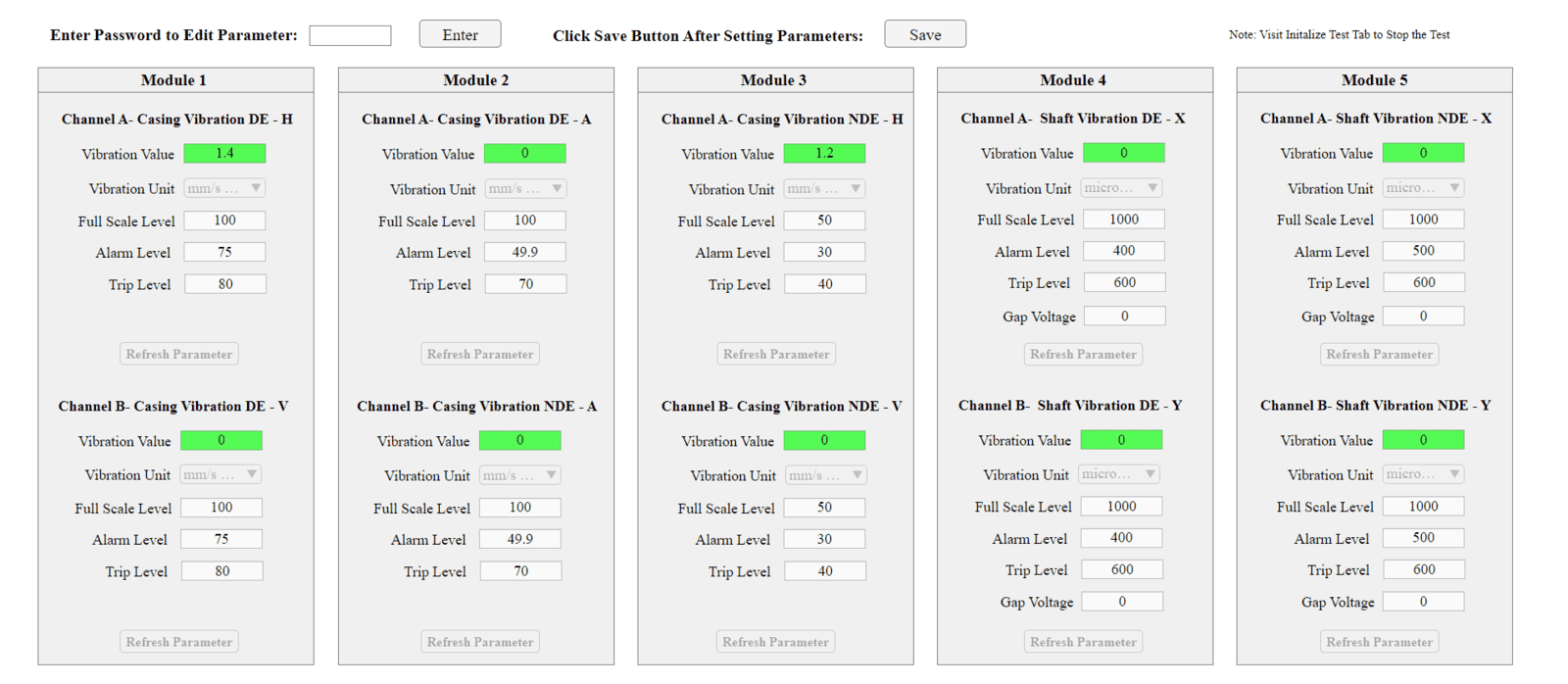
Remote IRD8800 configuration
Configure IRD8800 parameters from the PC.
- Live values and trends of up to 500 channels on MODBUS RTU (depends on project size); no channel limit on MODBUS TCP
- Historical values and trends of all channels
- Third-party process values (temperature, speed, etc.) via MODBUS
- Screens customised to the customer and project
Works with IRD online systems: IRD8800 MPS, IRD7100 MPT, IRD7200 MST, IRD7400 and IRD591 sensors, plus third-party devices over MODBUS.
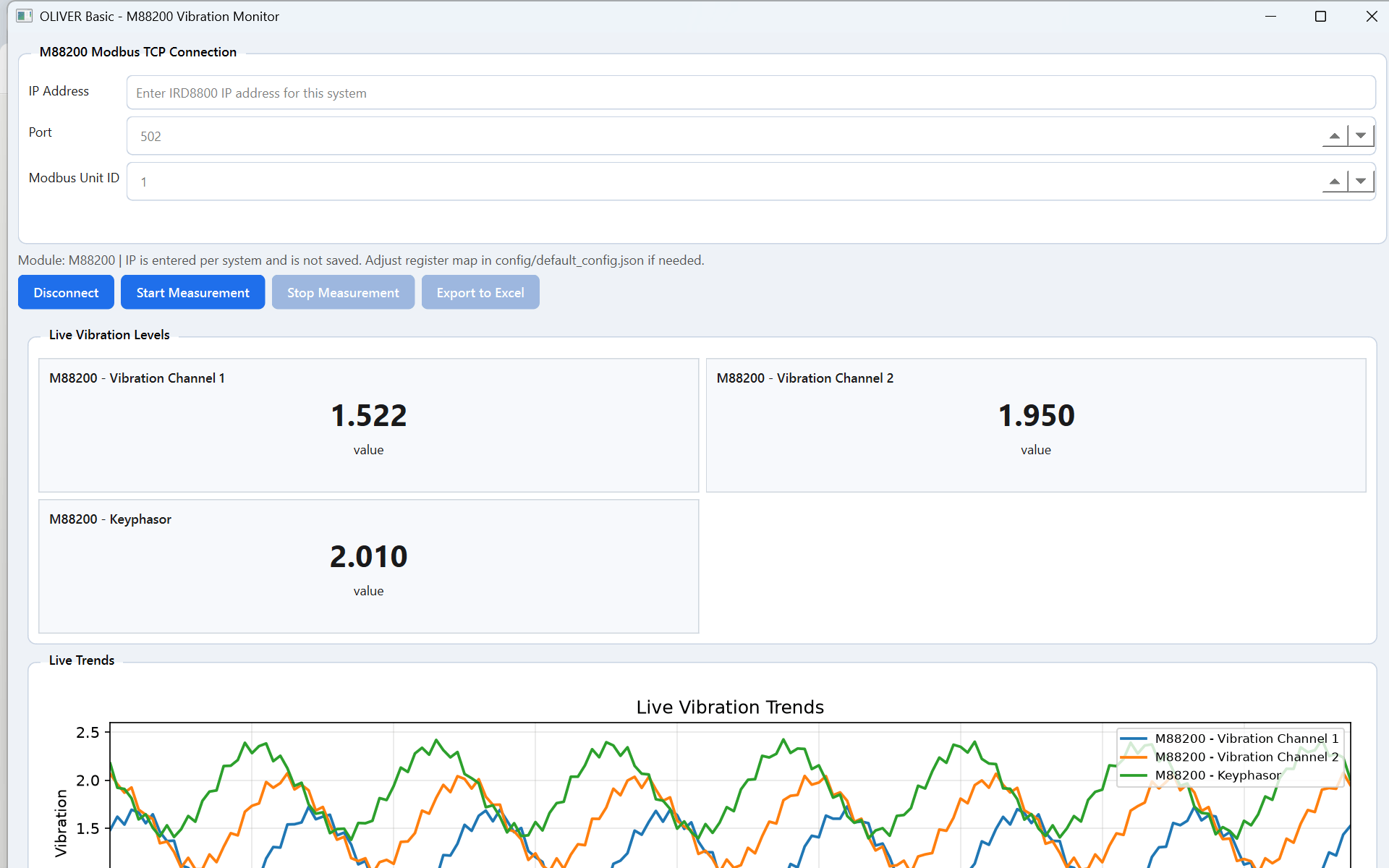
Everything in OLIVER Configuration, plus…
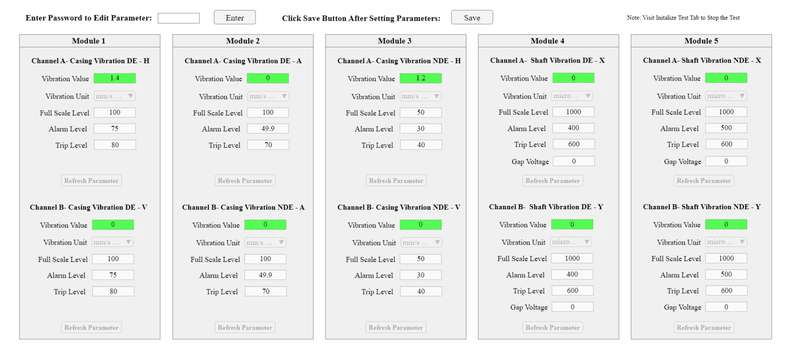
OLIVER Basic builds on OLIVER Configuration: you can still view and amend the configuration of the IRD8800 (unit, full scale, alarm and trip set points, sensor sensitivity and more, password-protected over MODBUS RTU or TCP). Over and above that, OLIVER Basic adds custom dashboards, live colour-coded measurements, tabular data, live and historical trends and export of data to Excel for reporting.
Supported protocols
MODBUS RTU/TCP, OPC UA, MQTT, Profinet, HART and more. Zoho IoT cloud connection on request (Basic, Advanced and Extreme).



Auto Recovery
If a communication cable is loose or broken, or communication is lost for any reason, OLIVER Basic retries the connection every 30 seconds for 10 attempts (300 seconds) before alerting the user on screen and stopping. Both the retry interval and the number of attempts can be customised.
Minimum PC requirements
The same PC specification applies to every OLIVER edition – Configuration, Basic, Advanced and Extreme.
- Windows 10 or later (Windows 11 preferred)
- Intel Core i5 12th Gen or higher (or AMD Ryzen 5)
- 8 GB RAM; integrated or external graphics
- 256 GB SSD or higher
- Min. 1920×1080, 15.6" or larger display
- Ethernet port, USB 2.0 or better, keyboard & mouse
- UPS power so background tasks keep running
Read more in our Help Center: System requirements – OLIVER Advanced → · Minimum system requirements – OLIVER Basic →
Need analysis plots or diagnostics?
OLIVER Advanced adds waveform, spectrum, orbit and Bode plots. OLIVER Extreme adds automatic fault diagnosis. Compare all editions →
Price on request
OLIVER is custom-built for each project. Licensing depends on the number of channels, PCs and project needs, so every price is a quotation from sales@irdmech.com.
Request a QuoteBook a DemoWhatsApp +91-9082527331